Active Alarms | History Alarms
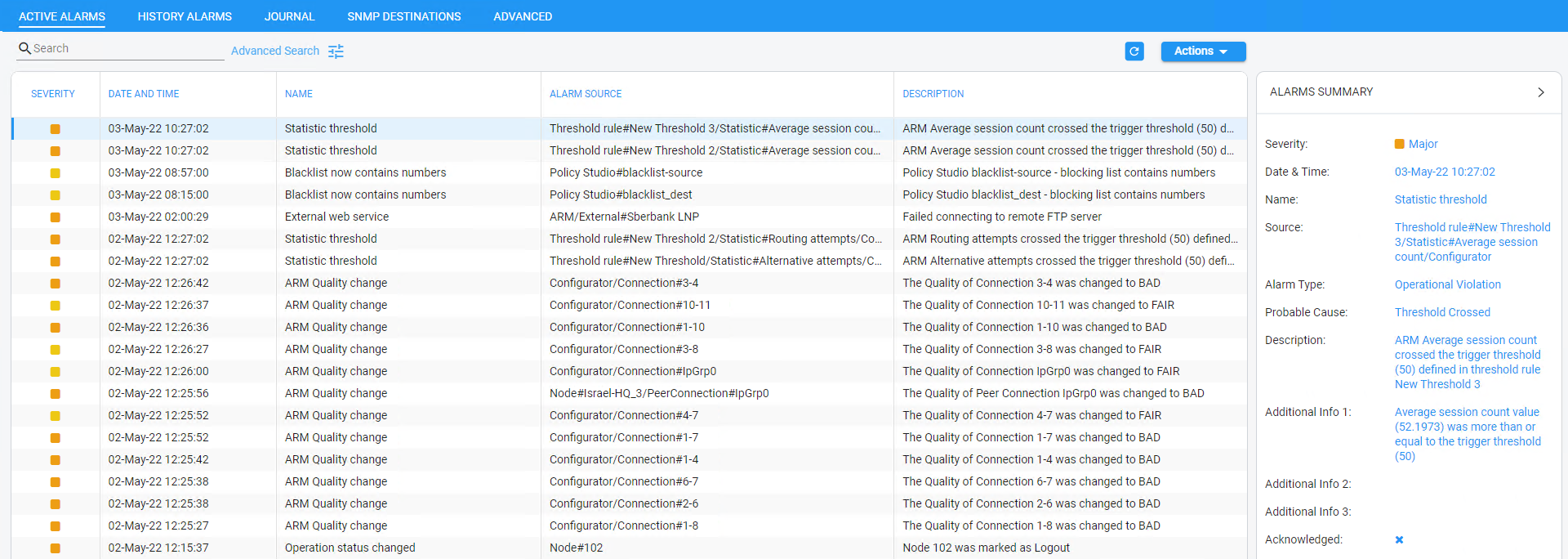
The Active Alarms and the History Alarms pages under the Alarms menu display these column headers:
Active Alarms
History Alarms
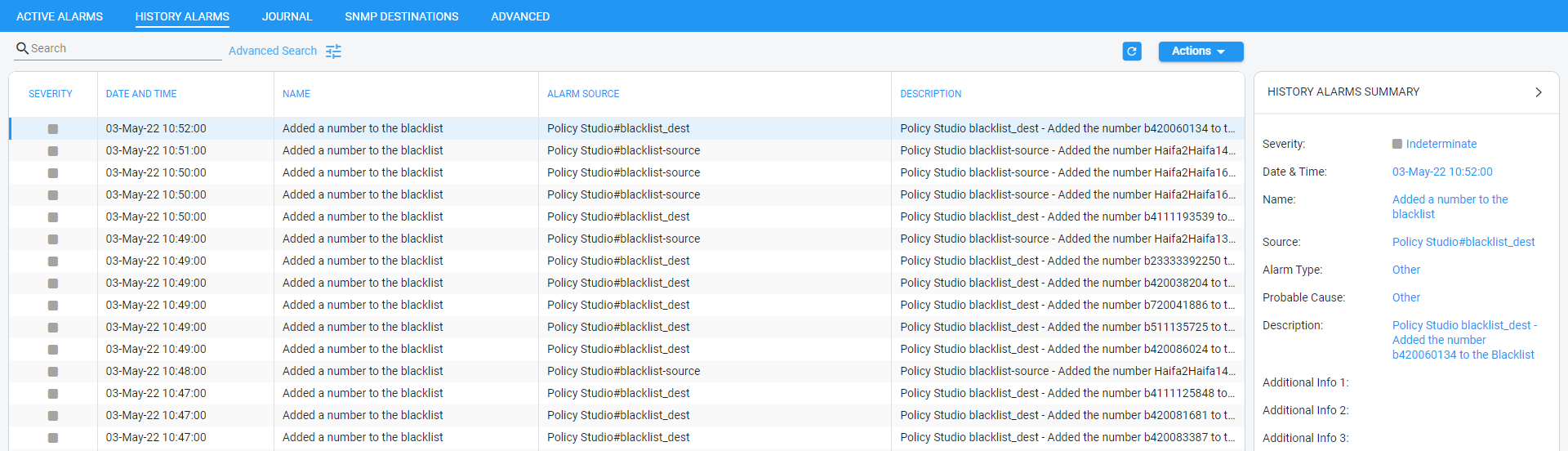
Click any alarm listed on any page; that alarm's ALARMS SUMMARY pane, shown in the preceding figure, displays the column information as well as:
In the Active Alarms and History Alarms pages you can:
|
■
|
Sort alarms, according to column header |
|
■
|
Refresh the page / Stop Auto Refresh |
|
■
|
Acknowledge Alarm [Applies only to the Active Alarms page] Click the button to clear a selected alarm from the page. Note that after acknowledging it, the alarm can be still viewed in the History Alarms page. |